Picture
HEVC
Recorded with your film look applied. Electronic stabilization is there when you want it (not at OPENGATE).
Format
HEVC .MOV
ROVEWORKS CAMERA hands the exposure, the colour and the focus back to you. Instead of stacking frames to smooth a scene out, it records the single frame that existed the moment you pressed the shutter.

The actual capture screen
Honest optics
Stacking frames to make a picture brighter and sharper also erases the shadows, the texture, and the exposure you chose. ROVEWORKS CAMERA skips Apple's image processing pipeline and develops the single frame the sensor actually received.
01 — Control
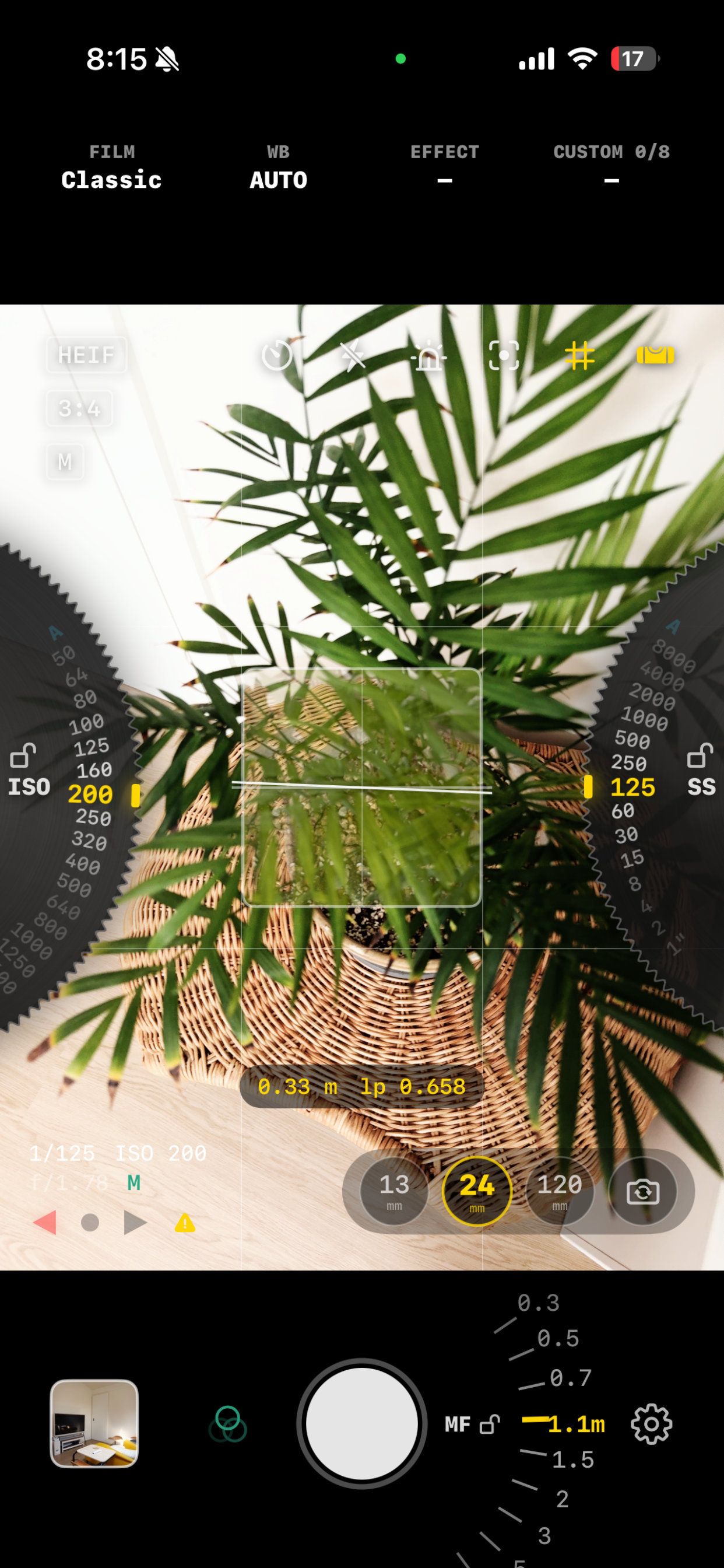
Turn the dials at the left and right edges of the screen to set ISO and shutter speed. Each dial only shows values your iPhone can actually produce.
ISO on the left, shutter speed on the right. Swipe up to raise a value; double-tap to drop straight back to auto.
Three lamps instead of a scale. Left means underexposed, right means overexposed, and a green centre means you're there.
A level indicator and grid to square the frame up. Changing the aspect ratio never moves the controls.
02 — Focus
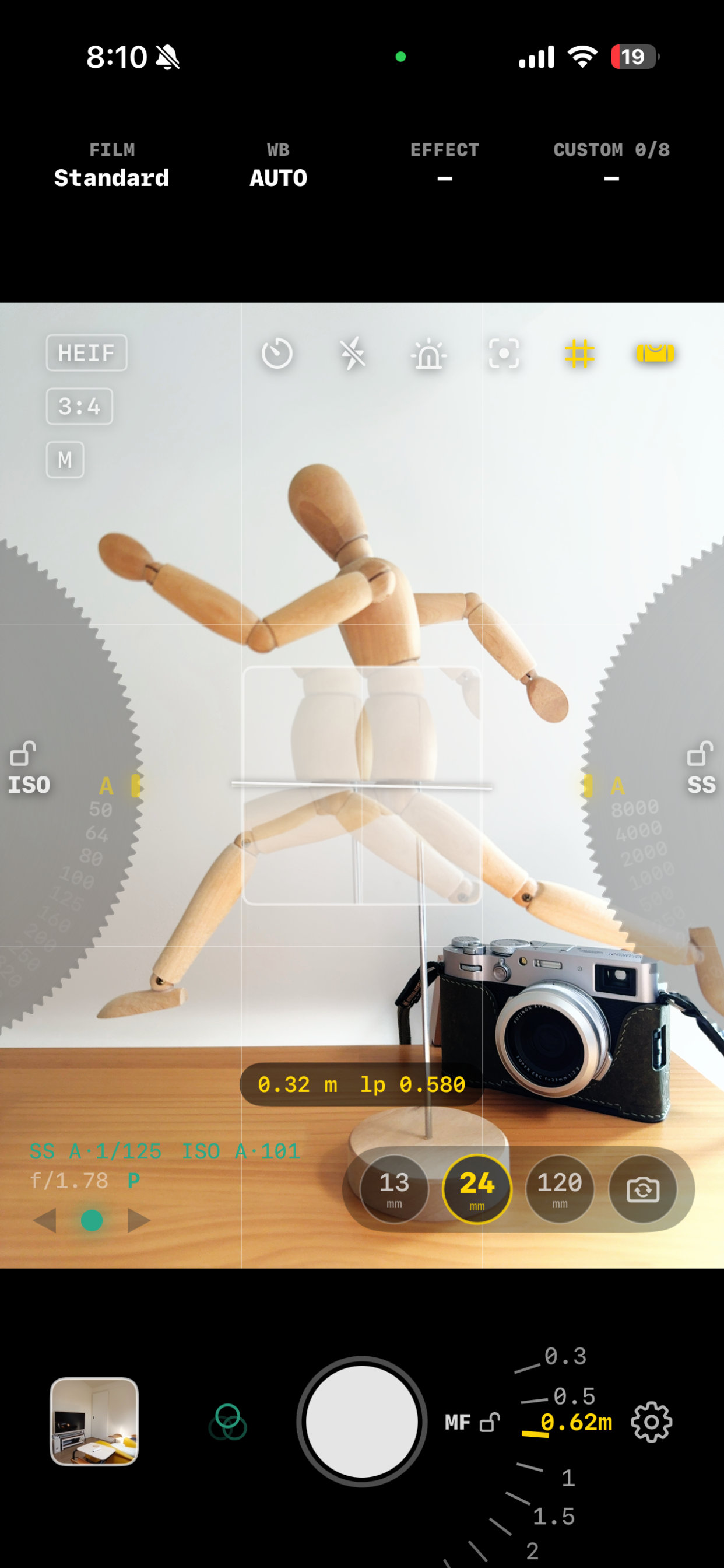
The patch at the centre of the screen shows the live image twice, split apart. Turn the half-circle dial around the shutter button until the two overlap and the subject is in focus. It runs on LiDAR distance data, and the images split side to side even when you hold the phone sideways.
The way a Leica M rangefinder works, carried over as-is. The patch border glows yellow the moment the images align.
When you don't need manual focus, one tap puts autofocus back.
Coincidence focusing needs LiDAR and the wide lens. On telephoto and ultra-wide, M mode stays manual — you focus with the dial, without the patch.
03 — Film looks
Twelve film looks render live in the viewfinder through Metal-based 3D LUTs, so the colour on screen is the colour that gets saved, in photos and in video. Drag the handle to compare.
04 — Video
The controls and colour you use for photos carry straight into video. Your film look, tone curve and grain are rendered into the footage as it records.
Set ISO and shutter on the same dials. The slowest shutter is one over the frame rate, and the 180° setting is marked.
OPENGATE, 4K, HD and 720, from 24p to 120p. The menu offers only the combinations the current lens can actually record.
Zebra and focus peaking work while recording and never go into the file. If a call interrupts a take, what you've shot is saved.
Recorded with your film look applied. Electronic stabilization is there when you want it (not at OPENGATE).
Stereo or mono from the built-in mics, wind noise reduction, external microphone support and a live level meter.
05 — Files
One to look at and share now, one to reinterpret later. Nothing is applied to the RAW file.
The colour and exposure you saw on screen, written straight into the file. Open it in Photos and share it right away.
Exactly what the sensor recorded. No film look, no brightness lift. It's there for the day you want to read the frame differently.
Worth stating plainly
On iPhone, a 48MP image has to be assembled from several frames, and that process overrides the exposure you set. ROVEWORKS CAMERA doesn't stack frames, so its photos are 12MP. You give up the number and get back a picture that matches what you saw.
06 — Gallery
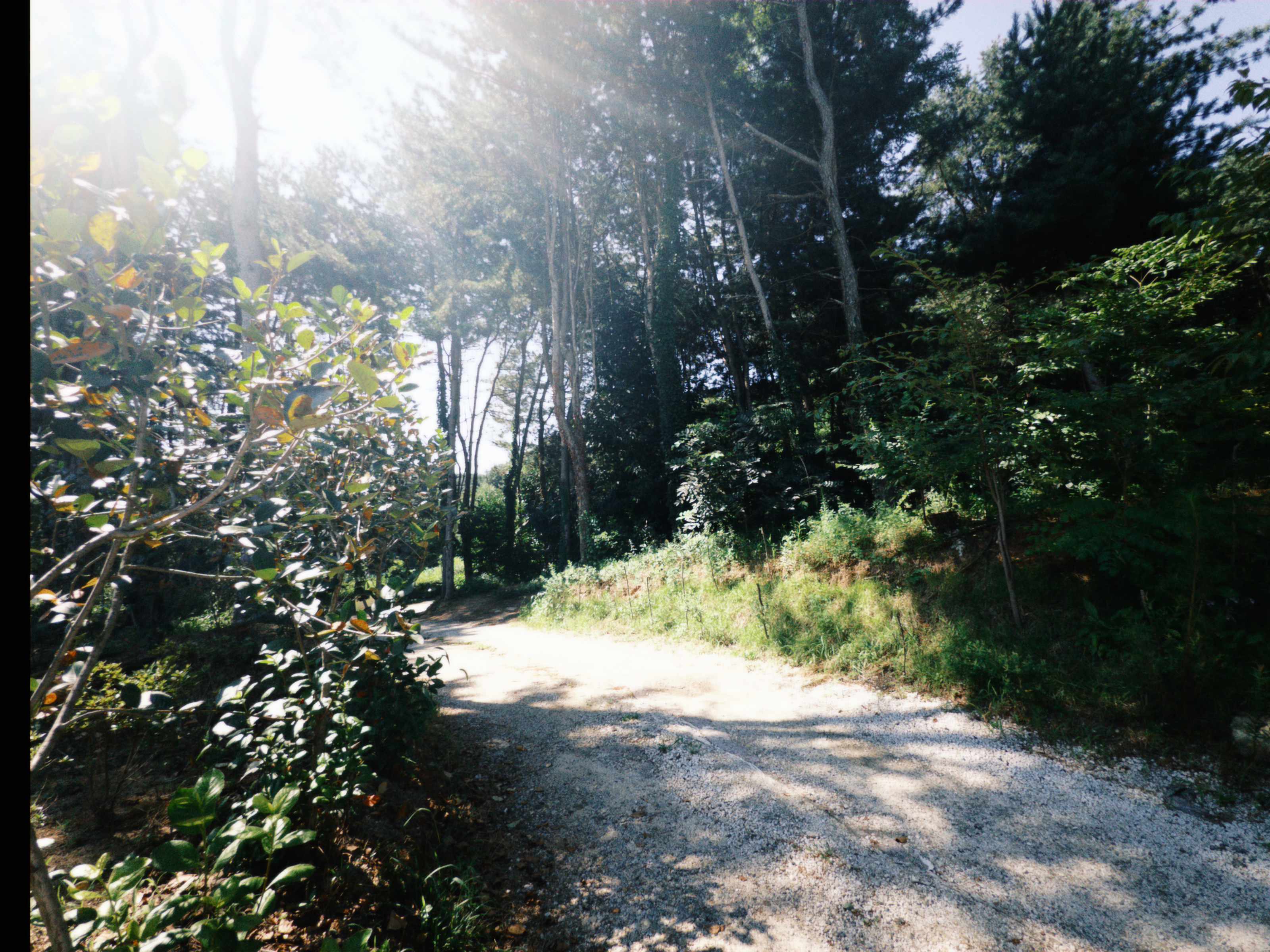
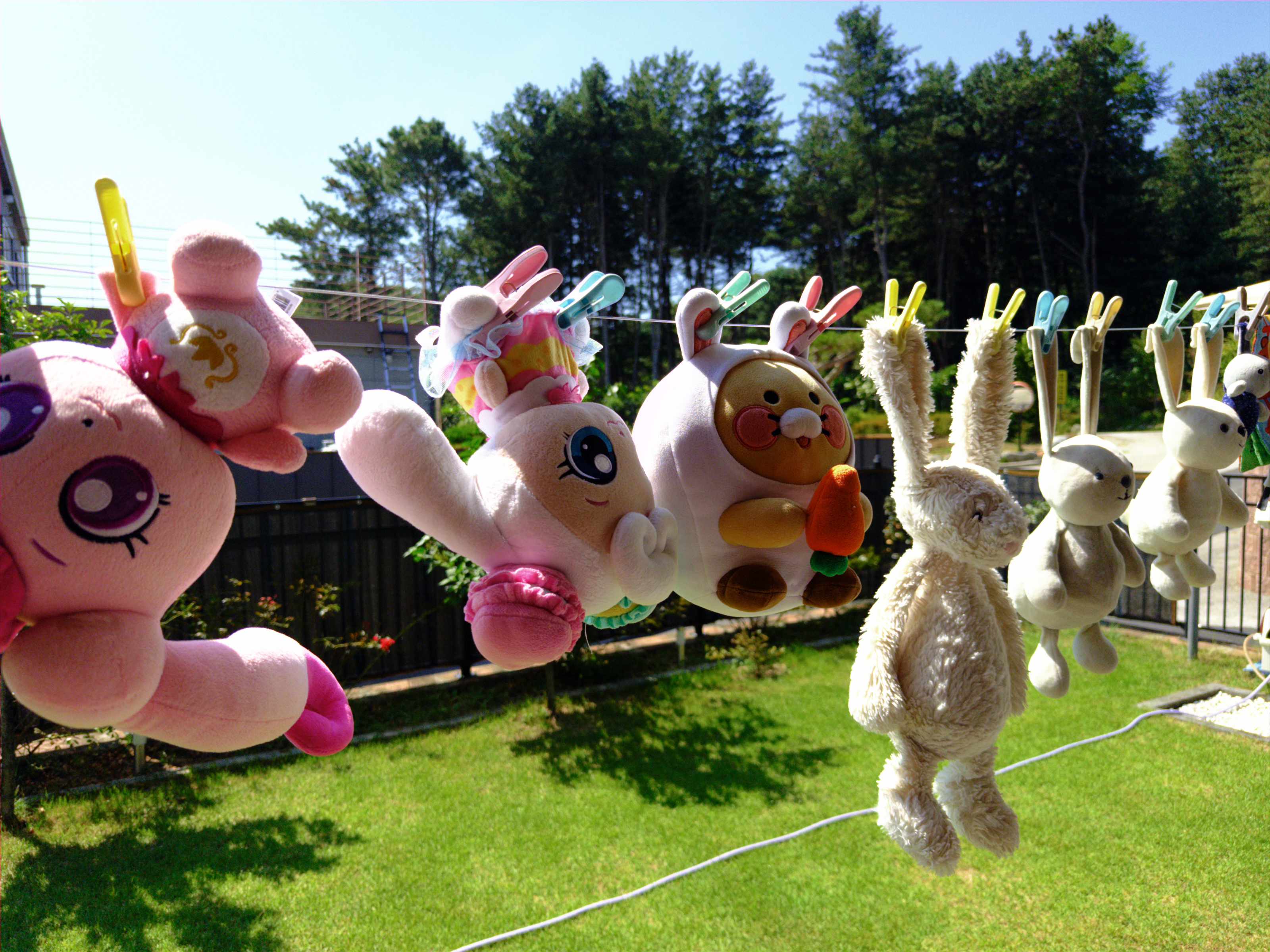
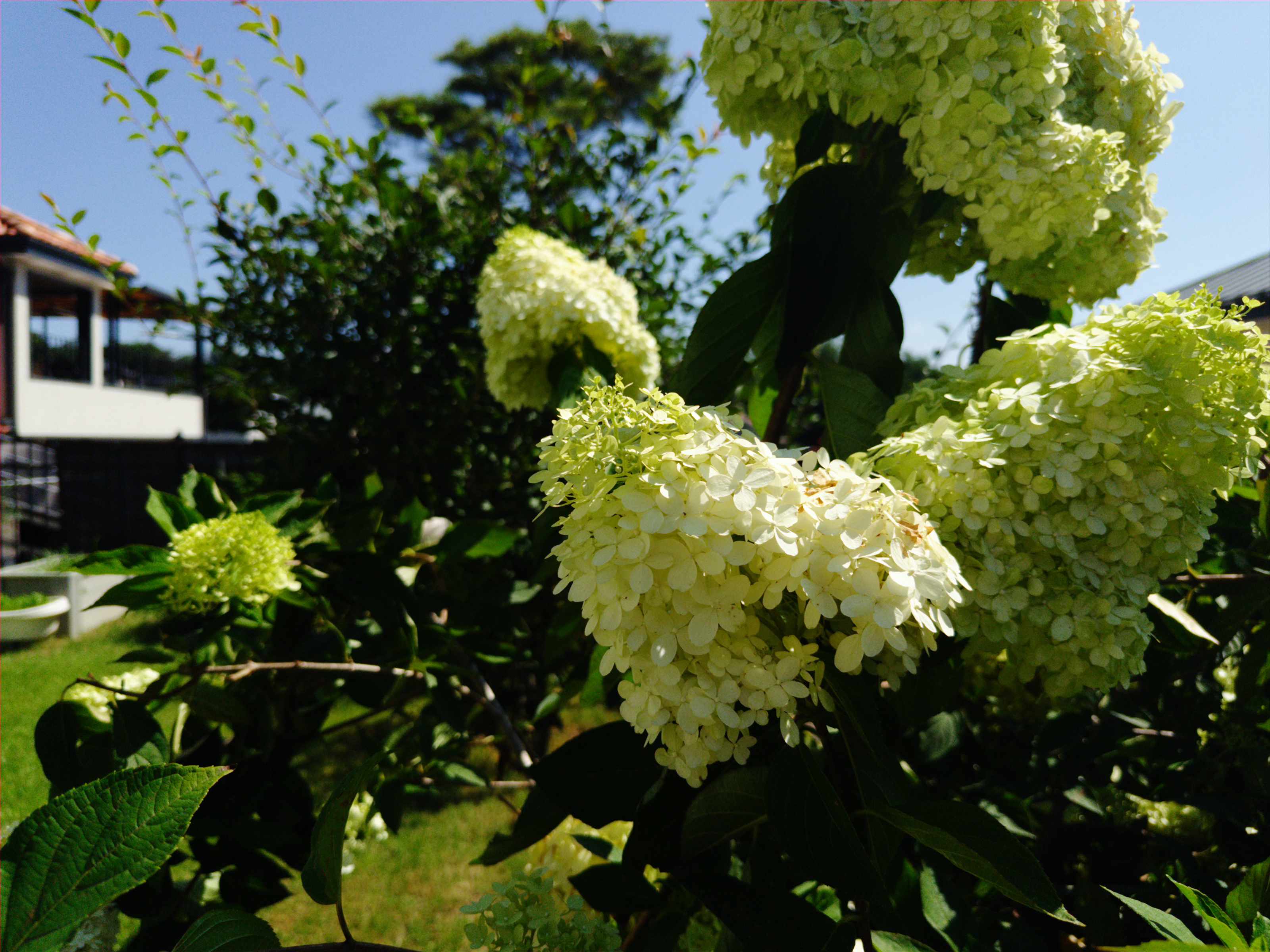
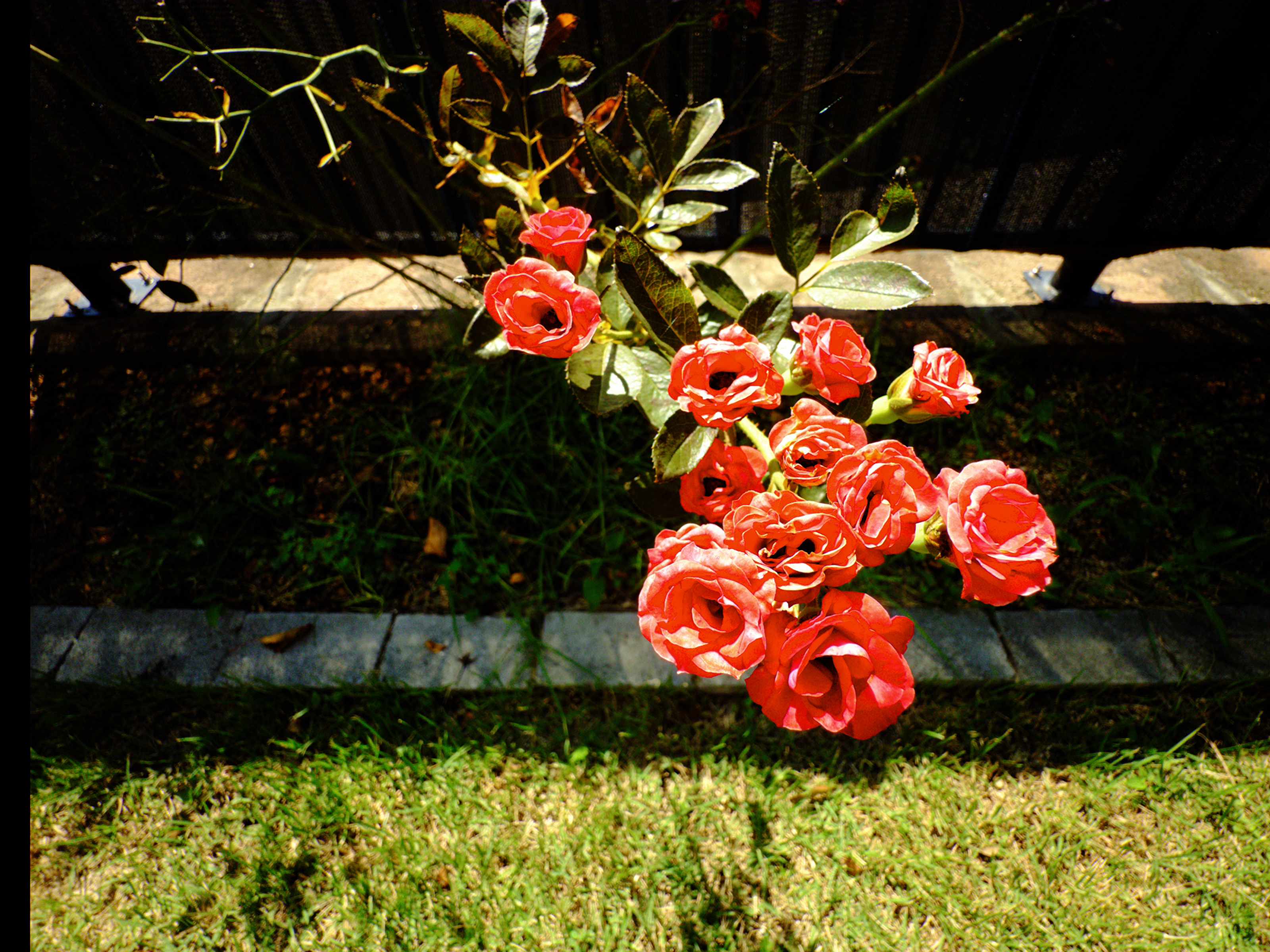
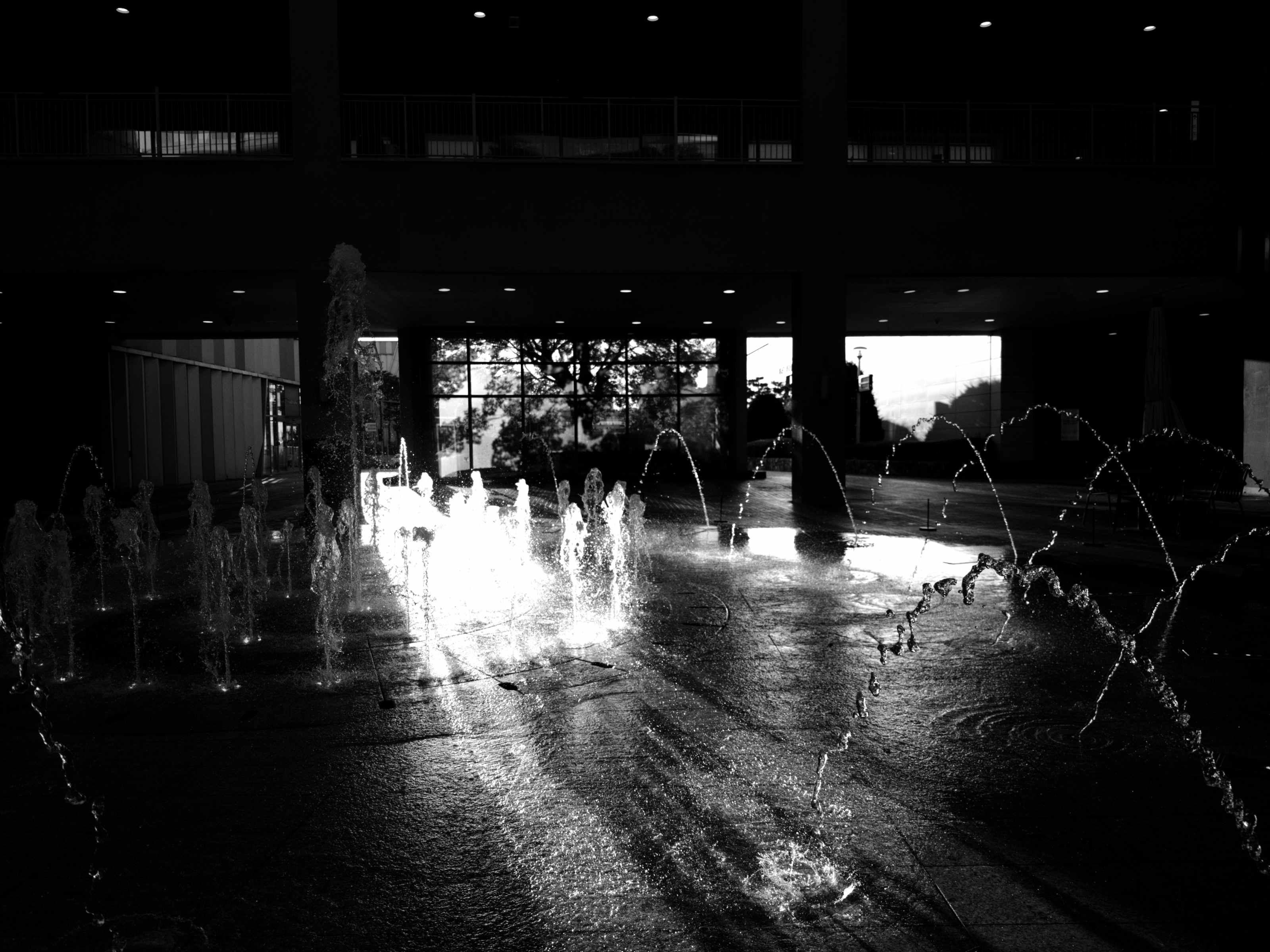
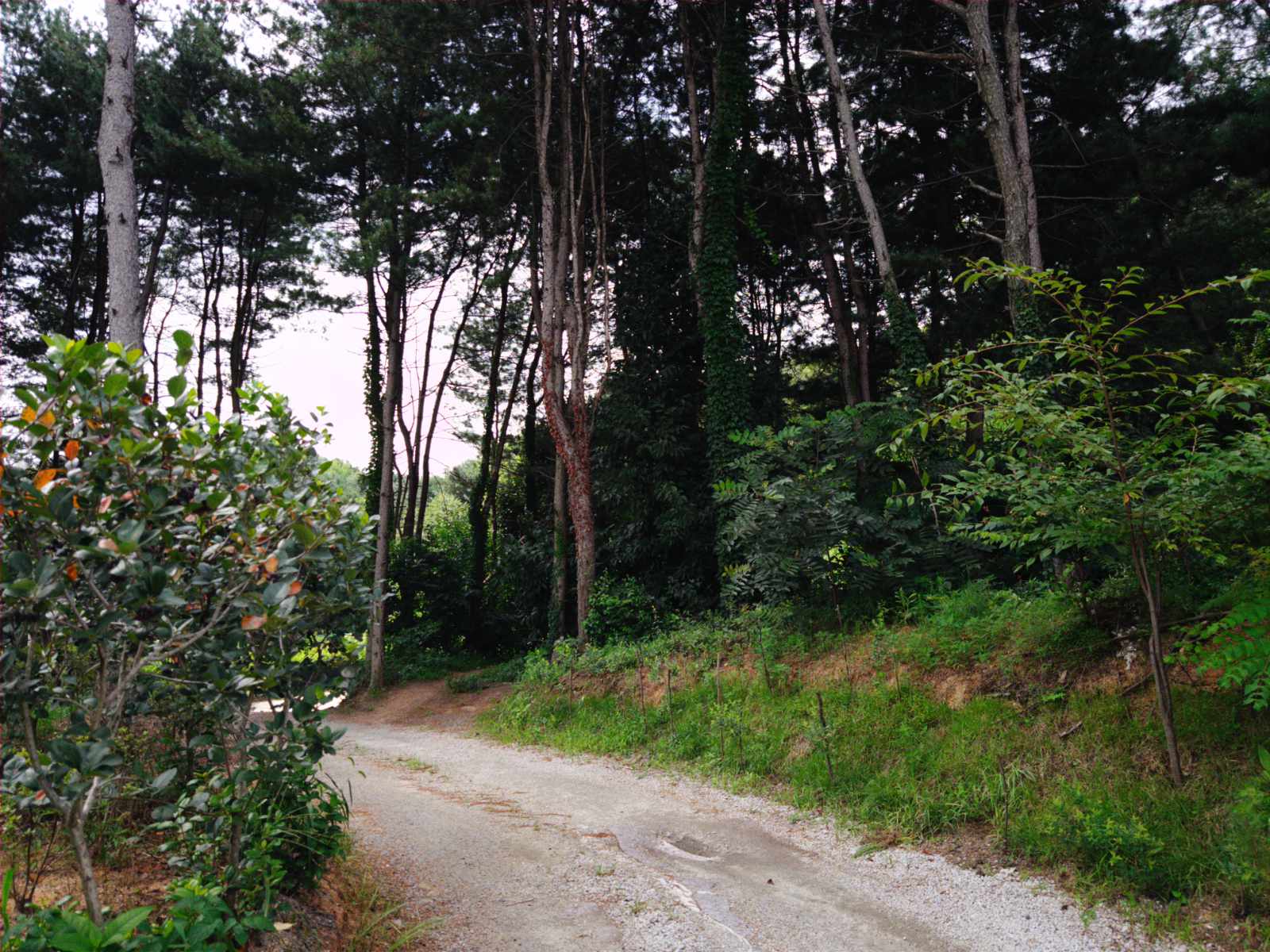
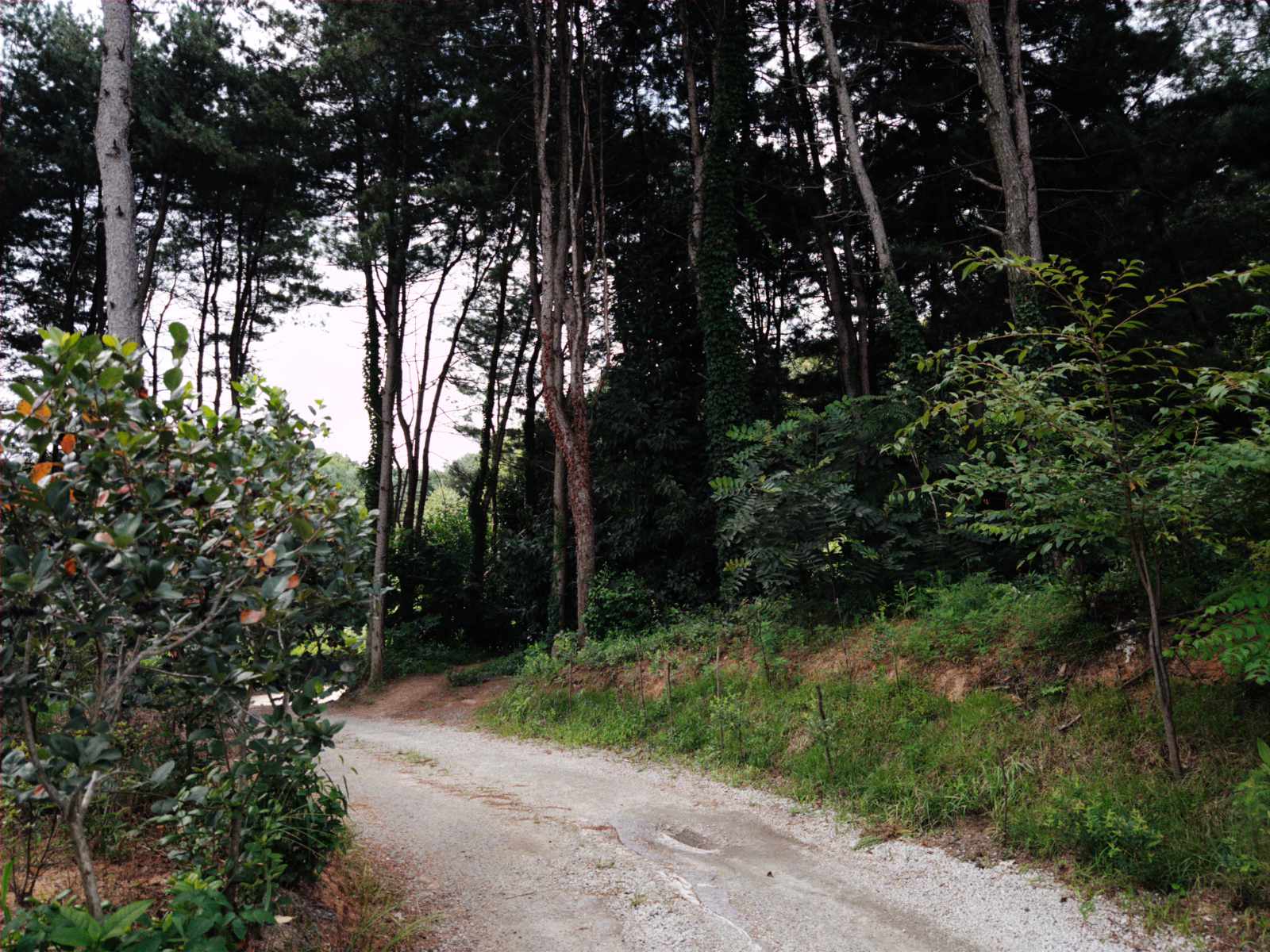
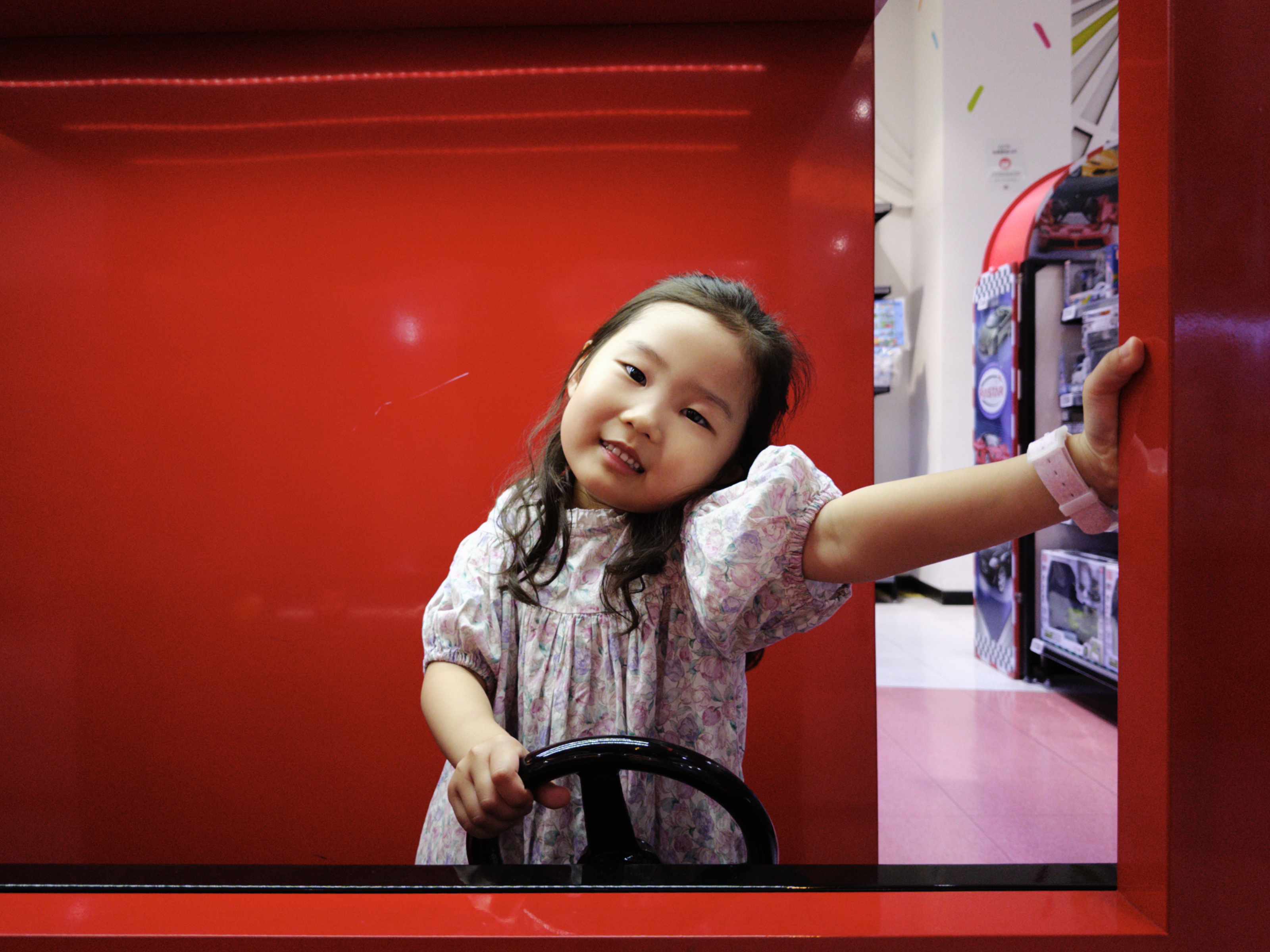
Shot with this app. Each frame lists exactly what the dials were set to at the moment of capture, so you can see how a decision becomes a result.
07 — Pricing
No subscription. Pro Pack is a single purchase that stays with your Apple Account.
No time limit, no watermark.
Price varies by App Store region.
Restore your purchase on any device with the same Apple Account.
Already own Pro Pack? Video is included at no extra cost.
ROVEWORKS CAMERA
Read the light, set the exposure, choose the colour, and keep both the picture and the negative.
Single frame · Manual exposure · Display P3 · Metal LUT · Bayer RAW DNG · HEVC video